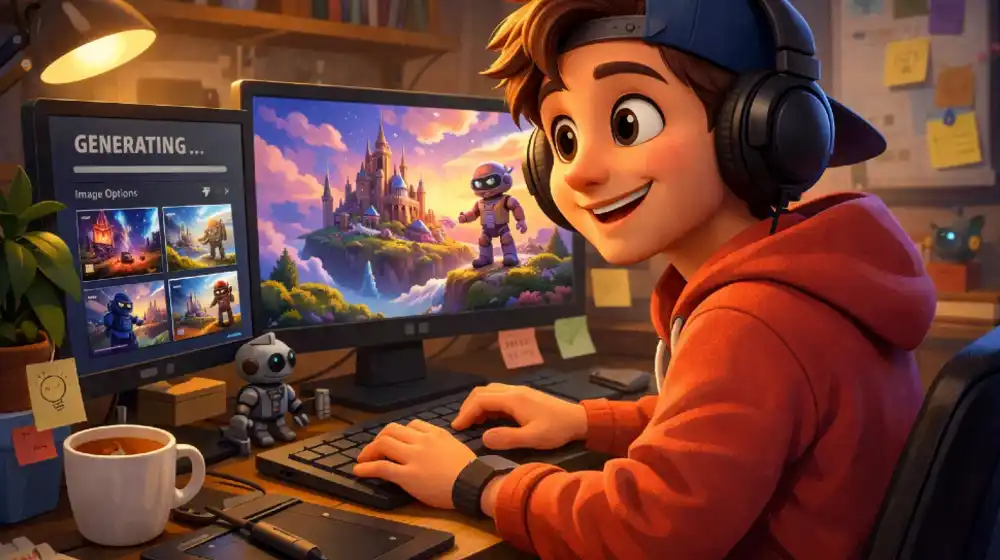
Introduction
This guide provides a complete timestamp breakdown of the 3-hour AI course, based on the transcript generated via tactiq.io. It’s designed to help you quickly navigate and understand every major section of the course.
⏱️ Full Course Timestamp Guide (3 Hours)
🚀 00:00:00 – 00:03:00 | Course Introduction & Overview
- What the course covers
- Introduction to the all-in-one AI system
- Overview of tools and workflow philosophy
🧰 00:03:00 – 00:08:00 | Platform Setup & AI Tools Hub
- Inside the AI dashboard (all tools in one place)
- Overview of models (Sora, Cling, etc.)
- Navigating workflows and generation boards
🧍 00:08:00 – 00:15:00 | Character Consistency Setup
- Using face + full-body references
- Maintaining identity across generations
- Avoiding common AI inconsistencies
🖼️ 00:15:00 – 00:25:00 | Image Generation Fundamentals
- Writing simple prompts
- Generating multiple variations
- Understanding model outputs
⚡ 00:25:00 – 00:40:00 | The 1K → 4K Workflow Strategy
- Why you should generate in low resolution first
- Selecting the best outputs
- Upscaling to production quality
- Avoiding wasted credits and time
🔍 00:40:00 – 00:55:00 | Advanced Image Techniques
- Reviewing outputs efficiently
- Storyboard-style browsing
- Selecting winning variations
🎯 00:55:00 – 01:10:00 | Reference-Based Creation (Pinterest Method)
- Using external references for better results
- Building mood boards
- Combining multiple images into one direction
🧩 01:10:00 – 01:25:00 | Composition & Creative Direction
- Camera angles, lighting, and poses
- Building stronger visual storytelling
- Creating professional-level outputs
🧠 01:25:00 – 01:40:00 | Prompt Engineering Simplified
- Why simple prompts outperform complex ones
- Structuring prompts for clarity
- Iterating faster with minimal input
🎬 01:40:00 – 02:00:00 | Storyboards → AI Video Workflow
- Turning images into video-ready assets
- Organizing boards for production
- Preparing scenes for animation
🎥 02:00:00 – 02:20:00 | Sora AI Video Generation
- Image-to-video workflows
- Writing effective video prompts
- Generating multiple variations
- Understanding render times
⚔️ 02:20:00 – 02:40:00 | Sora vs Cling Comparison
- Strengths and weaknesses of each tool
- When to use each model
- Lip sync vs cinematic output
🎭 02:40:00 – 02:55:00 | Character Consistency in Video
- Using close-ups for stability
- Face preservation techniques
- Maintaining identity across clips
💰 02:55:00 – 03:05:00 | Pricing & Cost Optimization
- Comparing AI tool costs
- Saving money with smart workflows
- Running parallel generations
🧪 03:05:00 – 03:20:00 | Testing Different AI Models
- Comparing outputs across tools
- Identifying quality differences
- Understanding limitations
🔧 03:20:00 – 03:35:00 | Video Upscaling & Restoration
- Improving resolution and clarity
- Fixing AI artifacts
- Comparing enhancement methods
✂️ 03:35:00 – 03:50:00 | Editing AI Videos into Final Content
- Auto-cutting scenes
- Selecting the best clips
- Building sequences quickly
📢 03:50:00 – 04:00:00 | Creating Ads & Commercial Content
- Turning AI clips into ads
- Structuring short-form content
- Adding sound and pacing
🏁 04:00:00+ | Final Thoughts & Workflow Recap
- Key takeaways
- Future of AI tools
- Continuous updates and improvements
🧭 How to Use This Guide
- Beginners: Start from the beginning and follow sequentially
- Intermediate users: Jump to video or prompt sections
- Advanced creators: Focus on optimization and editing workflows
📌 Key Takeaways from the Course
- Generate fast, refine later
- Use references for better results
- Keep prompts simple
- Combine tools strategically
- Always optimize for cost and speed
Related posts:
 The Peg & Awl Sendak Artist Roll: Why This Waxed Canvas Organizer is the Ultimate EDC Tool for Creatives
 Social Media Trends 2026: Expert Predictions from Kallaway and GaryVee That Will Transform Your Strategy
 The YouTube Algorithm Update: What Creators Need to Know About the 2026 Gemini Update
 10 Most Popular Gifts for Men in 2026 (That He’ll Actually Use)
 Understanding Why Men Are Walking Away From Modern Dating and Relationships and The Rise of MGTOW movement